

Back to Templates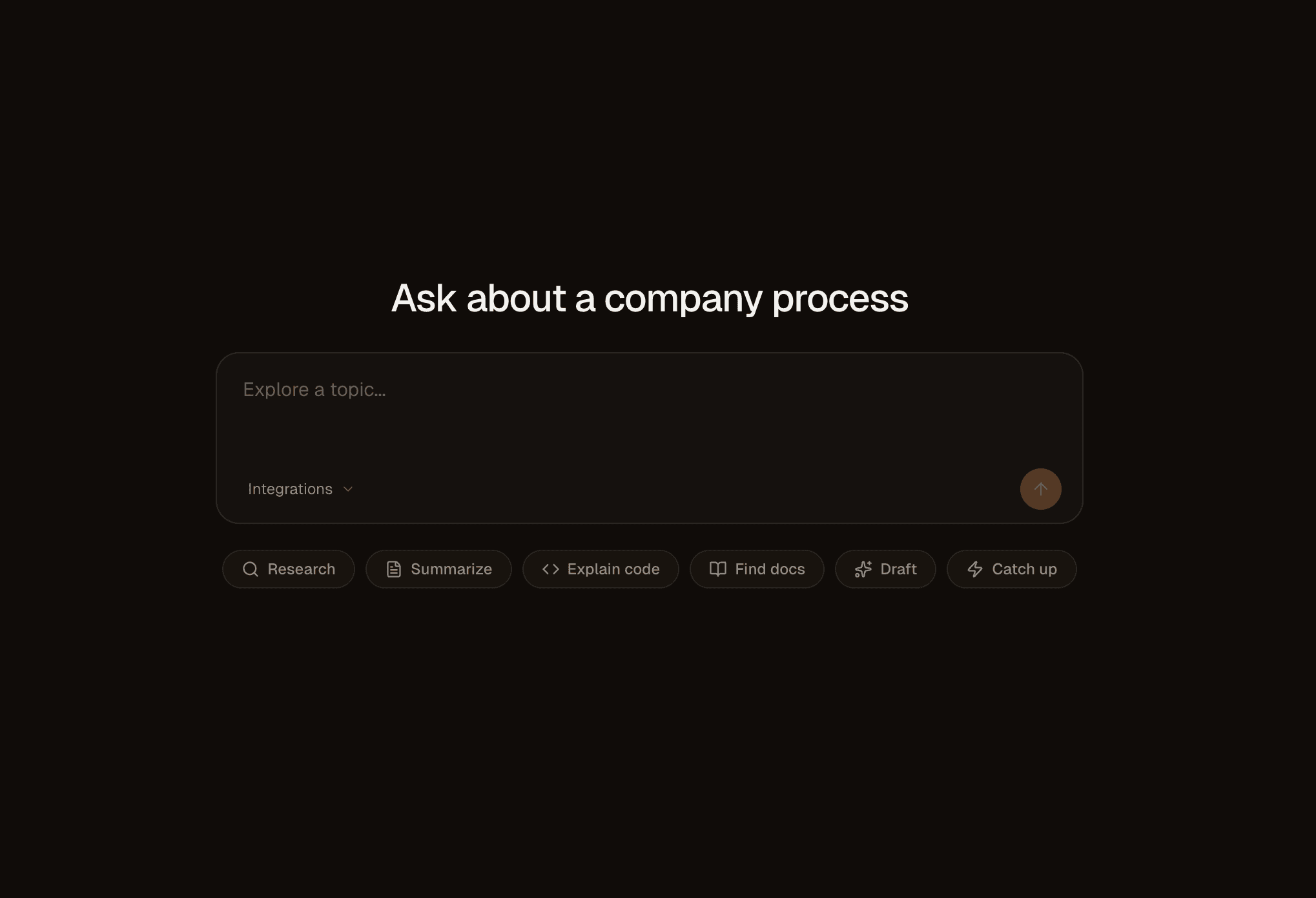
Claude Managed Agents Template
An internal knowledge agent built with Claude Managed Agents. Connect your GitHub, Notion, and Slack via MCP and ask questions across all of them.
Stack
| Layer | Choice |
|---|---|
| App | Next.js 16 (App Router), React 19 |
| UI | shadcn/ui, Tailwind CSS v4 |
| Auth | Better Auth + Sign in with Vercel |
| Data | Neon + Drizzle ORM |
| Background | Workflow DevKit |
| Agents | Claude Managed Agents via @anthropic-ai/sdk |
Setup
1. Clone and install
pnpm install2. Environment variables
Copy .env.example to .env.local and fill in each variable:
| Variable | Where to get it |
|---|---|
DATABASE_URL | Auto-provisioned by the Deploy button, or via vercel integration add neon. Or create a database at neon.tech. |
ANTHROPIC_API_KEY | console.anthropic.com/settings/keys |
ANTHROPIC_AGENT_ID | Create an agent via the Managed Agents quickstart. |
ANTHROPIC_ENVIRONMENT_ID | Create an environment for your agent and copy the ID. |
BETTER_AUTH_SECRET | Generate with openssl rand -base64 32. |
BETTER_AUTH_URL | http://localhost:3000 locally, your deployment URL in production. |
VERCEL_CLIENT_ID | Create an OAuth app via Sign in with Vercel. Callback: <your-url>/api/auth/callback/vercel. |
VERCEL_CLIENT_SECRET | From the same Vercel OAuth app. |
TOKEN_ENCRYPTION_KEY | Generate with openssl rand -hex 32. |
GITHUB_CLIENT_ID | (Optional) Create a GitHub OAuth app for the GitHub integration. |
GITHUB_CLIENT_SECRET | (Optional) From the same GitHub OAuth app. |
3. Push database schema
pnpm db:push4. Run
pnpm devOpen http://localhost:3000, sign in, and start asking questions.
